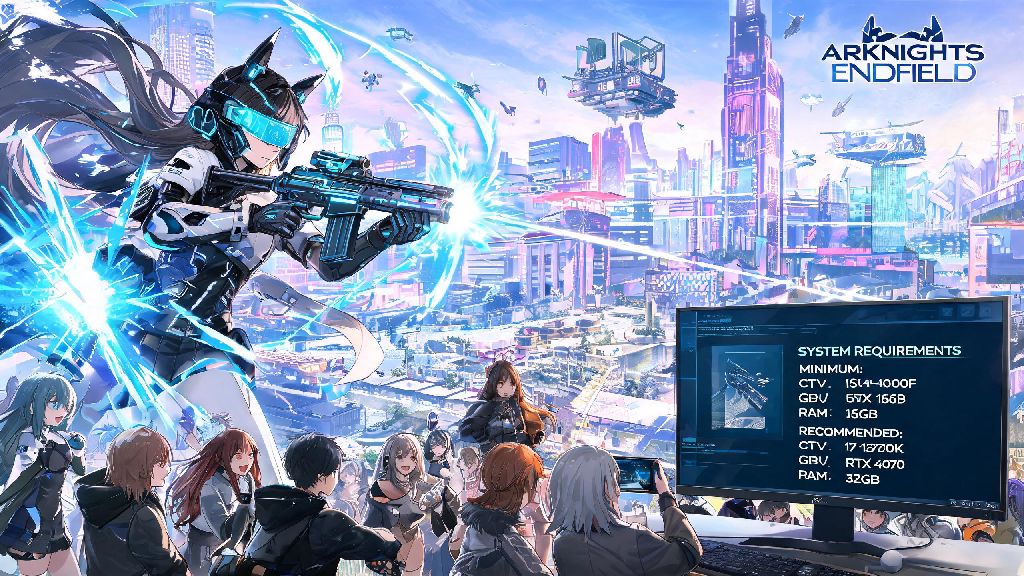
If you’ve been counting down the days for the Arknights franchise’s first open-world spinoff, you’ve almost certainly wondered if your current PC can handle its mix of tactical real-time combat, sprawling open zones, and signature vibrant anime art style. We’ve pulled together all confirmed official details and hands-on closed beta tester data for Arknights: Endfield system requirements, so you don’t have to dig through random Reddit threads or outdated fan posts to find out if you can play on launch day. We also added tested performance tweaks to help you squeeze extra frames out even if your setup sits just under the official recommended specs.
Official Arknights: Endfield System Requirements for Minimum and Recommended Setups
All specs listed here come directly from Hypergryph’s official closed beta documentation, so they’re far more reliable than early fan estimates floating around online. The minimum tier is designed for players who just want to jump into the game without worrying about fancy visual effects, while the recommended tier targets the smooth 60fps experience most players expect from modern PC games. There’s also an official 4K ultra spec sheet for players who want to experience the game’s full visual potential.
If your setup falls somewhere between minimum and recommended, you’ll probably be able to run the game at 1080p 60fps on medium settings with no issues, based on beta tester reports. The game is surprisingly well optimized for a new open-world title, so even mid-range builds from 2019 or later will handle it easily.
Can You Run Arknights: Endfield on a Laptop or Low-End PC?
Don’t write off being able to play if your setup is just below the official minimum specs. Multiple closed beta testers have shared their experiences running the game on older hardware, and many have gotten playable framerates with a few small tweaks. For example, one tester with a GTX 960 4GB and 8GB of RAM reported hitting 30 to 35fps at 900p low settings after turning off shadow effects and post-processing filters.
If you’re playing on a gaming laptop, the most common mistake people make is running the game on their CPU’s integrated GPU instead of their dedicated laptop GPU. You can fix this by going into your GPU control panel and setting Arknights: Endfield to use your dedicated card by default, which can double your framerate instantly. Close all background apps like browsers, Discord, and streaming software before launching the game if you’re on a lower-end setup, as those take up valuable RAM and CPU resources that the game needs to run smoothly. Integrated GPUs like Intel Iris Xe or AMD Radeon Vega won’t run the game at playable framerates, even on the lowest settings, so you’ll need a dedicated laptop GPU at least equivalent to a GTX 1650 to get consistent 30fps or higher.
Performance Tips to Boost Framerate Without Sacrificing Visual Quality
The devs have included dozens of customizable graphics settings, so you don’t have to turn everything down to low to get a smooth experience. The biggest performance gain by far comes from adjusting shadow quality first. Shadows are one of the most resource-heavy settings in any open-world game, and dropping them from high to medium barely changes how Arknights: Endfield looks, but can give you a 10 to 15fps boost almost instantly.
Turning off motion blur and depth of field is another easy win, as those cinematic effects don’t add anything to gameplay and can even cause motion sickness for some players. Make sure you have the latest GPU drivers installed before launch day, as both NVIDIA and AMD usually release optimized drivers for major new game releases that can give you a free 5 to 10fps boost with no other changes needed. Installing the game on an SSD instead of a traditional HDD is another no-brainer, as it cuts load times by 70% or more and prevents annoying stuttering when you’re moving between different open-world zones. Beta testers also found that using TAA anti-aliasing instead of MSAA gives almost identical image quality at 1080p or higher resolutions, while freeing up extra GPU resources for higher frame rates.
What to Expect for Console and Mobile System Requirements Later On
The current official specs only cover PC, but Hypergryph has confirmed that Arknights: Endfield will also release for PlayStation 5, Xbox Series X/S, and mobile devices in the months after the PC launch. Console players don’t have to worry about checking specs at all, as the game will be fully optimized for each platform. It’s expected to run at 4K 60fps on PS5 and Xbox Series X, with a 1080p 60fps mode for Xbox Series S players who don’t have a 4K display.
For mobile players, the devs are still working on fine-tuning optimization, but early internal tests show you’ll need at least a Snapdragon 8 Gen 1 or equivalent Apple A-series chip to run the game at medium settings and 60fps. The mobile version will have far more granular low-end settings than the PC version, so even mid-range phones released in the last two years might be able to run it at 30fps with lower visual settings. Cross-save between PC, console, and mobile is already confirmed, so you can pick up right where you left off no matter what device you’re playing on.
At the end of the day, you don’t need a top-of-the-line $2000 gaming PC to enjoy everything the game has to offer, as long as you meet the base Arknights: Endfield system requirements and are willing to tweak a few settings if you’re on the edge of the minimum specs. If you’re still not sure if your setup will work, you can always wait for the open beta test expected before full launch, where you can test the game out for free before committing to a full download. Most players with a PC built in the last five years will have no problem running the game at smooth framerates, so you can focus on getting excited for the new story, characters, and open-world tactical gameplay instead of worrying about your hardware.