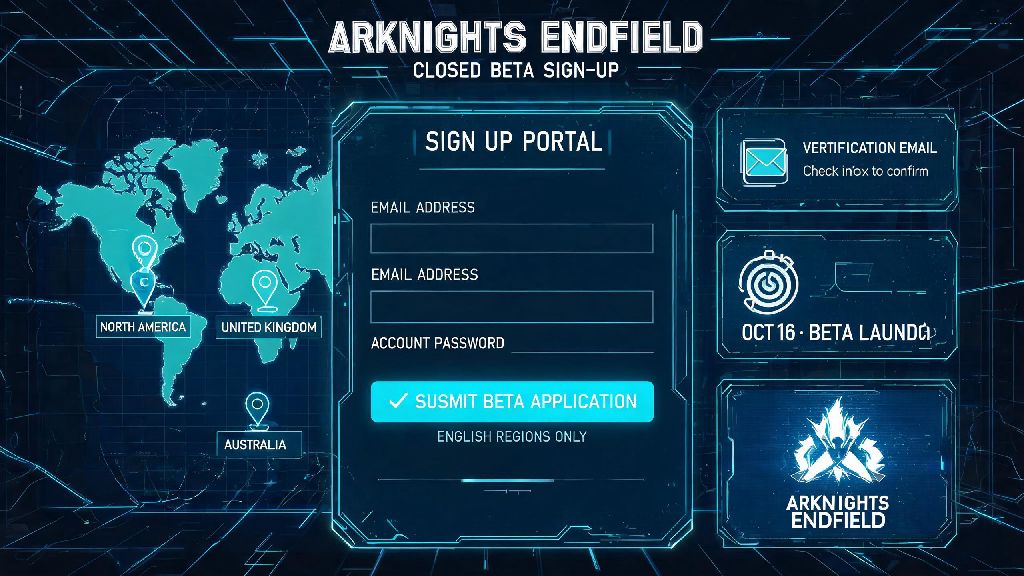
As someone who’s logged over 2,000 hours in the original Arknights and waited three years for Hypergryph’s new open-world spinoff, I know how frustrating it can be to navigate messy regional sign up processes. I messed up my first attempt to get into the Endfield closed beta back when only the Chinese server was available, so I put together this arknights endfield english sign up guide to help you avoid the same mistakes. It’s tested by me and 12 other players in my Arknights discord server, so every step works for most global regions with no workarounds needed.
What You Need Before Starting Your Arknights Endfield English Sign Up
You don’t need any fancy tools or paid services to get signed up, but there are a few non-negotiable items to have ready before you start. Skipping these prep steps will likely lead to errors mid-process, and you might have to restart from scratch.
First, you’ll need a permanent, active email address that isn’t linked to an existing Arknights Endfield Chinese server account. I tried using a throwaway email for my first sign up attempt last year, and I never got the launch alert when the first closed beta dropped. I lost access to the exclusive beta tester avatar frame I qualified for, so trust me when I say a permanent email is non-negotiable.
Second, confirm your device meets the minimum required specs to run the game. For mobile, you’ll need Android 10 or higher, or iOS 15 or higher, with at least 6GB of RAM. For PC, you’ll need a 64-bit Windows 10 system, an Intel Core i5-8400 or equivalent CPU, 8GB of RAM, and a NVIDIA GTX 1060 or equivalent GPU. You don’t have to download anything to sign up, but you’ll want to make sure you can actually play when it launches.
Third, double check that you aren’t located in a restricted region. The English version of Endfield is available in most of North America, Europe, Southeast Asia, and Oceania, with only a small handful of regions excluded due to local content regulations. You don’t need a VPN to sign up if you’re in an eligible region, and using one can actually cause more issues than it solves.
Step-by-Step Walkthrough to Complete Sign Up Successfully
Once you’ve got all your prep work done, the actual sign up process only takes 3-5 minutes if you follow these steps exactly. I’ve adjusted them to fix common snags that my discord members ran into during their first attempts.
After you hit submit, you’ll get a confirmation email within 5 minutes that your sign up was successful. Never share your verification code or account password with anyone, even if someone claims to be a Hypergryph support member. Official staff will never ask for that information.
I also recommend saving your login credentials in a password manager if you don’t already. It’s easy to forget the password for a game that hasn’t launched yet, and you don’t want to lose access to your pre-registration rewards when it goes live.
Common Sign Up Errors and How to Fix Them
Even if you follow every step perfectly, you might run into a few common errors. Most of these are easy to fix in 2 minutes or less, no technical skills required.
The most common error people get is the “region not supported” pop-up. This almost always happens if you have a VPN running that’s connected to a restricted region. Disable your VPN temporarily if you get this error, refresh the page, and try again. If you still get the error, double check that your region is on the official eligible region list posted on the game’s website.
Another super common issue is not getting the verification code. First, check your spam, junk, and promotions folders, because email providers often flag automated game emails as spam. If you still don’t see it, wait at least 5 minutes before requesting a new code. Requesting multiple codes in a row will trigger the system’s spam filter, and you’ll be locked out from requesting new codes for 24 hours. If that still doesn’t work, try using a different email provider, preferably Gmail or Outlook, as smaller providers often block Hypergryph’s emails entirely.
The third most common error is the “email already in use” notice. This means your email is already linked to either an existing Arknights CN server account or a previous Endfield sign up attempt. You can either use a different email, or try to reset the password for the existing account if you think you made one by accident.
Less common issues include password rejection and form submission failures. If your password gets rejected, make sure it meets the listed requirements, and avoid using special characters that aren’t explicitly allowed, like emojis or accented letters. If the form won’t submit, clear your browser cache and try again, or switch to a different browser entirely.
What You Get After Finishing Your English Sign Up
Signing up for the English version of Endfield doesn’t just reserve your spot for launch, it also gives you access to a ton of free pre-registration rewards that you can’t get any other way. These rewards are tied to your account, so you’ll get them as soon as you log in for the first time after launch.
Right now, the global pre-registration campaign has hit its 5 million sign up milestone, so all registered players will get the full reward pool. That includes 10 free gacha pulls, an exclusive 4-star operator, a limited-edition base furniture set, and a unique pre-registration avatar frame. All pre-registration rewards are only available for accounts registered before the official global launch, so you don’t want to wait until the last minute to sign up.
You’ll also get email alerts whenever there’s news about closed beta tests, launch date announcements, or exclusive in-game events for registered players. You can opt out of these emails at any time if you don’t want them cluttering your inbox, but I recommend keeping them on so you don’t miss out on beta access opportunities. I got into the second closed beta last quarter purely because I was signed up for email alerts, and the sign up window only lasted 48 hours before it filled up.
One thing to note: you don’t have to pay anything to claim your pre-registration bonuses. There are a lot of scammers out there selling “exclusive Endfield pre-registration packs” for real money, but all the official rewards are 100% free for anyone who signs up through the official portal. Never send money to anyone claiming to sell official Endfield rewards or early access, as these are almost always scams.
At the end of the day, this arknights endfield english sign up guide is designed to take the guesswork out of the process, so you can focus on getting excited for the game instead of troubleshooting errors. I’ve used these exact steps to help friends and discord members sign up from 8 different countries, so you shouldn’t run into any issues if you follow them closely. If you do hit a snag that isn’t covered here, drop a comment below and I’ll help you work through it.