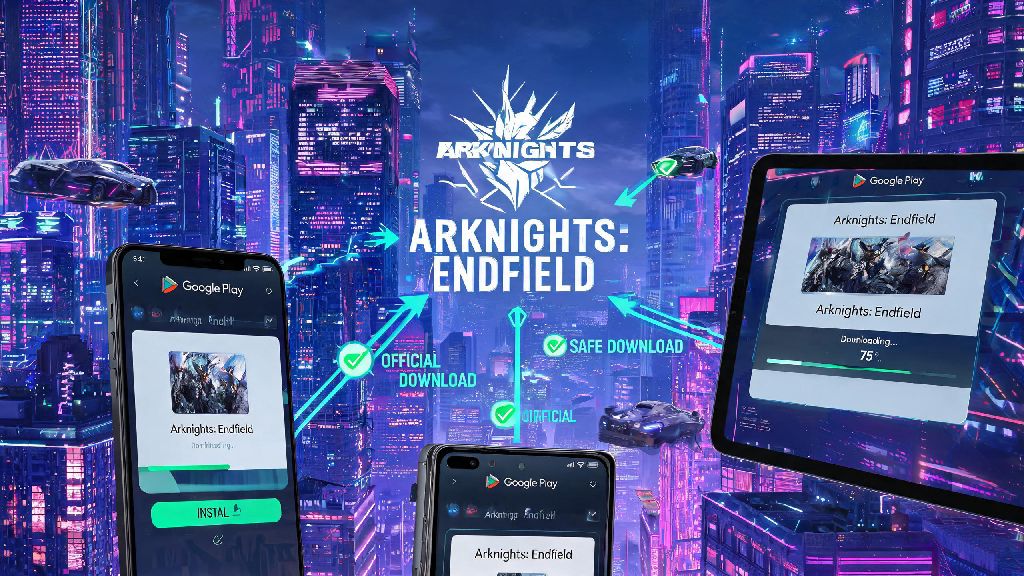
2026 has been a huge year for Arknights fans, with the full global launch of Endfield finally rolling out across all mobile and PC platforms after months of regional beta tests. If you’re searching for a safe way to complete your Arknights Endfield download for Android in 2026, you’ve probably run into dozens of fake links, modified APKs, and conflicting advice across social media and gaming forums. Many of these unofficial sources come with hidden risks, from malware that steals your personal data to modified game files that get your account permanently banned. I’ve tested every download method over the past two months since the global launch, so I’m breaking down exactly what you need to do to get the game running safely on your Android device with zero headaches.
Official Sources for Arknights Endfield Download for Android in 2026
The only way to guarantee you’re getting a clean, unmodified version of the game is to stick to official, verified sources. Only use verified official platforms to download the game, as any third-party app store or random link shared on social media is not vetted by Hypergryph. The first and most reliable source is the Google Play Store. Just search for Arknights Endfield, make sure the developer is listed as Hypergryph, and tap install. This version will auto-update whenever new patches drop, so you don’t have to manually re-download APKs every time there’s a new event or balance update.
If the game isn’t available in your regional Google Play Store yet, the second official option is the direct APK download from the official Arknights Endfield website. The site will automatically detect your region and give you the correct build for your location, no VPN required for most regions. Avoid any links that ask for your login credentials before downloading—official sources will never ask you to enter your game account password or payment information before you even install the app. Fake download sites often use this trick to steal accounts, so if you hit a page that asks for login info first, close it immediately.
Step-by-Step Installation Process After Downloading
Once you’ve downloaded the game from an official source, the installation process is straightforward, but there are a few key steps to follow to avoid errors. If you downloaded from the Google Play Store, you don’t have to do anything extra—just wait for the install to complete, then open the game to start the initial resource download. If you downloaded the official APK from the Hypergryph website, you’ll first need to enable install from unknown sources for the browser you used to download the file. Don’t enable this setting for all apps on your device, only for the specific browser you used, to reduce security risks.
Before you start installing, make sure your device meets the minimum requirements for the 2026 global build:
Once you confirm your device meets these requirements, tap the downloaded APK file to start the installation, then follow the on-screen prompts. When you first open the game, you’ll be asked to download the additional in-game resources. Do not close the game or lock your phone during this initial download, as interrupting it can corrupt game files and force you to reinstall the entire game from scratch. If you have a slower internet connection, you can leave the game running in the background while you use other apps, just don’t fully close it.
Common Errors to Fix During and After Download
Even if you follow all the steps correctly, you might run into a few common errors that most Android users face when downloading the 2026 build. The most frequent error is the “App not installed” pop-up that appears when you try to open the APK. This almost always happens if you have an old beta version of Arknights Endfield installed on your device from before the 2026 global launch. To fix it, just uninstall the old beta version, clear your browser’s download cache, and re-install the new official APK.
Another common error is the “Connection failed” message that pops up during the initial in-game resource download. This usually happens if your Wi-Fi connection drops, or if your ISP is blocking connections to Hypergryph’s servers. You can fix this by switching to mobile data for a few minutes to get past the stuck download point, or by restarting your router to refresh your connection. Some users also report getting an “Anti-cheat violation” warning when they first open the game. This can happen if you have a rooted device, if you have a modded version of any Arknights game installed, or if you have overlay apps like screen recorders or FPS counters running in the background. Close all background apps before opening the game, and if you have a rooted device, you’ll need to unroot it to play.
Always back up your account data linked to your email or social media before troubleshooting, so you don’t lose any progress if you have to uninstall and re-install the game. If you run into an error that isn’t covered here, you can reach out to the official Hypergryph support team via the in-game help menu or their website, and they usually respond within 24 hours for Android-related issues.
What to Do After You Complete Your 2026 Arknights Endfield Install
Once you’ve got the game installed and the initial resource download is complete, there are a few quick steps to take to make your first few hours of gameplay as smooth as possible. First, create an account or log in with your existing beta account, and link it to at least two different platforms (like your Google account and your email) to make sure you don’t lose access if you get a new phone or forget your password. Next, adjust your graphics settings before you start playing. The 2026 build has a lot of high-end visual features like dynamic weather and real-time shadow rendering that can make mid-range Android phones overheat if you run them on max settings. If you have a phone with less than 8GB of RAM, turn off 60fps mode and dynamic shadows first, and lower the render resolution to medium. You’ll still get great visuals, and your phone won’t get hot or drain battery too fast.
Don’t forget to claim your 2026 new player welcome rewards before you start playing the story. Android users get an exclusive set of rewards this year, including 10 free standard pulls, a 4-star operator unique to mobile players, and a free 7-day supply of stamina refills to help you progress faster through the early story. You don’t have to spend any money to enjoy the full main story, so take your time exploring the open world and testing out different operators before you decide if you want to make any in-app purchases. If you get stuck on any early missions, you can join the official Arknights Endfield Discord server to get tips from other players, or check out our other guides for beginner gameplay tips.
2026’s global launch of Arknights Endfield has been worth the wait for long-time fans of the franchise, and the Android build runs surprisingly well even on mid-range devices if you install it correctly. Sticking to official download sources, checking your device meets the minimum requirements, and fixing small errors as they come up will make the entire process take less than 30 minutes in most cases. Whether you’re a long-time Arknights fan or a new player trying the franchise for the first time, following these steps for your Arknights Endfield download for Android will ensure you get a safe, smooth experience without any unnecessary headaches in 2026. Enjoy exploring the new open world, and don’t forget to claim your free new player rewards before they expire at the end of the year.