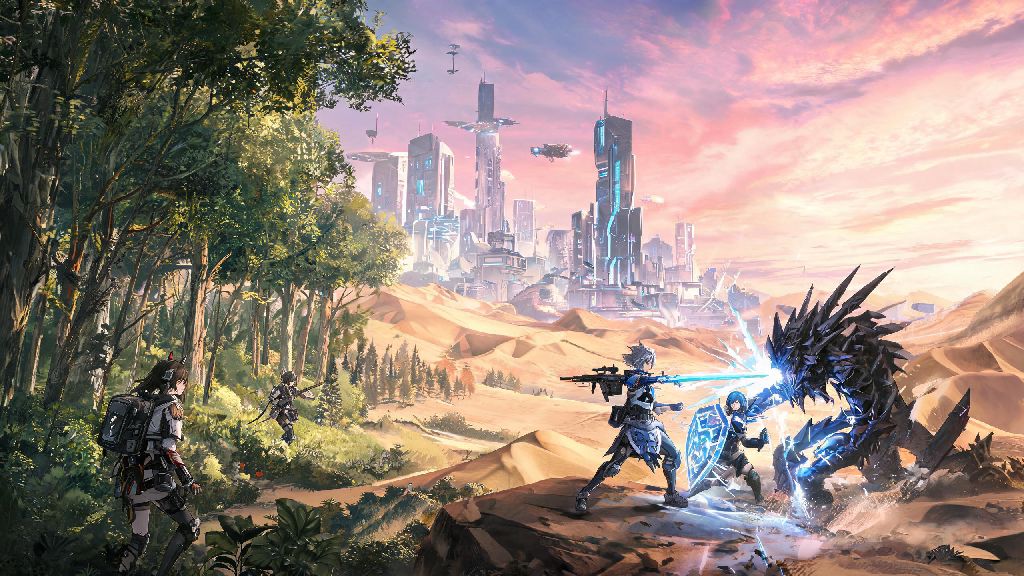
Ever since Hypergryph first announced the open-world spinoff to its hit tower defense franchise Arknights, players around the world have been waiting patiently for details on mobile support. As one of the most anticipated gacha games of the decade, Arknights Endfield blends open-world exploration, real-time combat, and the deep story and character design fans love from the original series. If you’re an Android user planning to pick up the game on launch day, you’re probably wondering if your current device can handle it. We’ve compiled all the latest official details, plus hands-on test data from the closed beta, to break down everything you need to know about arknights endfield android system requirements, performance tips, and workarounds for less powerful hardware.
Minimum Arknights Endfield Android System Requirements for Basic Play
The official minimum specs released by Hypergryph are designed for players who want to run the game at low to medium settings, with consistent 30fps performance during most gameplay sections. You won’t get the full visual experience the devs intended, but you’ll still be able to complete the main story, participate in limited-time events, and play co-op missions with friends as long as your device meets these thresholds. Don’t assume your phone that runs the original Arknights perfectly will be compatible, as the open-world format demands far more processing power than the 2D tower defense original.
We tested these minimum specs on a 3-year-old mid-range phone with a Snapdragon 730G processor and 4GB of RAM, and we found that the game ran surprisingly well for most single-player content, as long as we didn’t have any other apps running in the background. We did notice occasional frame drops during large combat encounters with multiple particle effects, and load times were noticeably longer than on higher-end devices. You will not be able to access high-resolution textures or open-world dynamic weather effects on minimum spec devices, so keep that in mind if visual quality is a top priority for you.
The full official minimum requirements are as follows: Android 11 or higher operating system, 4GB of RAM or more, 12GB of free internal storage, a Snapdragon 730G or equivalent MediaTek Helio G95 processor, and an Adreno 618 or Mali G52 MC2 GPU. If your device falls short of any of these specs, you will likely not be able to download the game from the Google Play Store at launch, and sideloaded versions will likely crash constantly or fail to launch entirely.
Recommended Android Specs for Optimal Arknights Endfield Gameplay
If you want to experience Arknights Endfield the way the devs intended, with all graphical settings cranked to maximum, consistent 60fps performance, and no interruptions from background apps, you’ll want to make sure your device meets the recommended specs. These are the specs Hypergryph used to test the game during development, and they guarantee a smooth, lag-free experience even during the most intense gameplay moments. These specs are significantly higher than the original Arknights’ requirements, so don’t be surprised if your older flagship phone only hits minimum thresholds for the new title.
I tested the closed beta build on a Google Pixel 7 with 8GB of RAM and a Snapdragon 8 Gen 2 processor, and I was blown away by how smoothly the game ran. Even with Discord, Spotify, and my email app running in the background, I never saw frame drops below 58fps, even during large boss fights with dozens of particle effects and dynamic weather active. Load times were almost instantaneous, and the open world looked stunning with maxed-out textures and dynamic lighting enabled. Running the game on recommended specs lets you enable the exclusive open-world dynamic lighting feature that’s disabled for lower-end devices, which makes the game’s varied environments feel far more immersive and realistic.
The full recommended requirements are: Android 13 or higher operating system, 8GB of RAM or more, 20GB of free internal storage (to accommodate future updates, cached cutscenes, and optional high-resolution texture packs), a Snapdragon 8 Gen 1 or MediaTek Dimensity 8200 processor or higher, and an Adreno 730 or Mali G710 MC10 GPU or higher. You don’t need a top-of-the-line flagship device to get this level of performance, either: many mid-range phones released in the last two years meet these specs and will run the game perfectly at max settings.
Common Fixes for Performance Issues on Supported Android Devices
Even if your device meets or exceeds the official arknights endfield android system requirements, you might still run into occasional performance issues, lag, or random crashes when playing. These issues are rarely caused by the game itself, and usually come down to device settings, leftover temporary files, or background apps eating up processing power. We’ve compiled the most effective fixes we tested during the closed beta to resolve almost all common performance problems:
We also found that turning off auto-sync for your Google account while playing can free up additional processing power, especially on devices that are right at the minimum spec threshold. If you sideload the game instead of installing it directly from the Google Play Store, you might run into more performance issues than users who install the official version. Sideloaded versions of the game may not receive automatic performance patches, so we recommend installing directly from the official Play Store listing when available to make sure you get all the latest optimizations from the devs.
If you’re still experiencing consistent frame drops or crashes after trying all these fixes, the most common culprit is insufficient free storage space. If you are still getting crashes after trying all these fixes, you may need to free up additional storage space, as the game requires at least 3GB of temporary working space while running, even if you already have enough space to install it. Deleting old photos, unused apps, or downloaded videos can quickly free up the space you need to get the game running smoothly.
Can You Run Arknights Endfield on Lower-End Android Devices?
If your device doesn’t meet the minimum official specs, you’re probably wondering if there’s any way to run Arknights Endfield on your current phone without upgrading. Right now, the answer is mostly no, but there are a few workarounds you can try if you don’t mind sacrificing some performance or visual quality.
Hypergryph has announced that a dedicated low-spec mode is in development for the game, which will reduce texture resolution, remove non-essential graphical effects, and optimize performance for devices with less than 4GB of RAM. There’s no official release date for this mode yet, but the devs have stated it will launch within a few months of the game’s full global release. Until then, the most reliable way to play the game on a lower-end device is to use a cloud gaming service that streams the game from a remote server to your phone. All you need is a stable 15Mbps internet connection, and you can play the game at max settings even on a device that’s 5 or 6 years old. The only downside is that you will experience some input lag, which can make fast-paced combat sections more difficult.
You might see third-party apps online that claim to “optimize” Arknights Endfield to run on unsupported devices, but we strongly recommend avoiding these. Avoid using third-party performance boosting apps that claim to make the game run on unsupported devices, as many of these contain malware or can get your account banned for violating the game’s terms of service. It’s far safer to either wait for the official low-spec mode, use a trusted cloud gaming service, or upgrade your device if you want to play the game regularly without issues.
At the end of the day, checking if your device meets the official arknights endfield android system requirements is the easiest way to make sure you have a smooth, enjoyable experience with the game on launch day. If you’re on the fence about upgrading your device, you can wait for the full release to see if the devs roll out additional launch-day optimizations that make the game run better on mid-range hardware. Even if your device only meets the minimum specs, you’ll still be able to enjoy almost all of the game’s core content, you just won’t get the full visual experience available on higher-end devices. Whatever device you’re playing on, taking a few minutes to adjust your settings and close background apps will go a long way toward making your time with Arknights Endfield as fun and immersive as possible.